9 Seconds for
A Safer World
Stop Scams Before They Start
Start With 3 Easy Steps
1
Avoid the phishing
hook
Scammers bait you with fake offers and links. It’s called phishing for a reason. Take 9 seconds to verify the source and check for typos in the email domain, weird formatting, or unusual links and requests.
Be skeptical of urgent language and questions requiring personal or financial information!

How to Protect Yourself
It’s better to go straight to the source’s website or app to verify rather than clicking the link.
2
How to protect your personal information
Before sharing sensitive information online, take a moment to double-check who’s asking. Be skeptical of requests for details like your date of birth, Social Security number, home address, or banking information.

How to Protect Yourself
When in doubt, pause and take 9 to verify the source. Hang up and call your bank using the number on their website, or confirm directly with your boss before sharing anything personal.
3
Use a password manager
Use a strong, different password for every account. If one password is stolen, your other accounts stay protected.
Create long passwords with a mix of letters, numbers, and symbols—for example: SunnyDay!1948.

How to Protect Yourself
Pro tip: you can use the "3 random words” technique to build a password that’s easy for you to remember but hard for intruders to guess.
Change your passwords immediately if a security breach has occurred. You can use a Password Manager to create and remember strong passwords for you.
Scams to Look Out For

Ever Heard of Quishing?
Learn more
How to Protect Yourself
Only scan QR codes from trusted sources and check the website URL before entering any sensitive details.
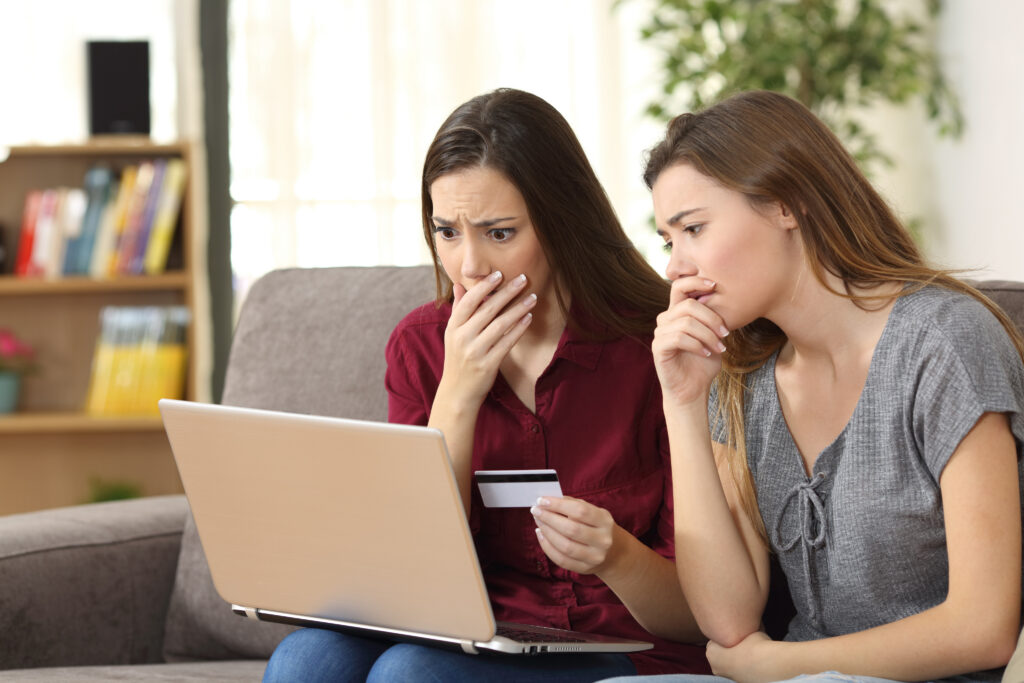
Facebook Marketplace Scams
Learn more
How to Protect Yourself
Pause and take 9 before you buy. Avoid upfront payments, don’t move conversations off the platform, and only use secure payment methods. If a deal feels too good to be true, it probably is.
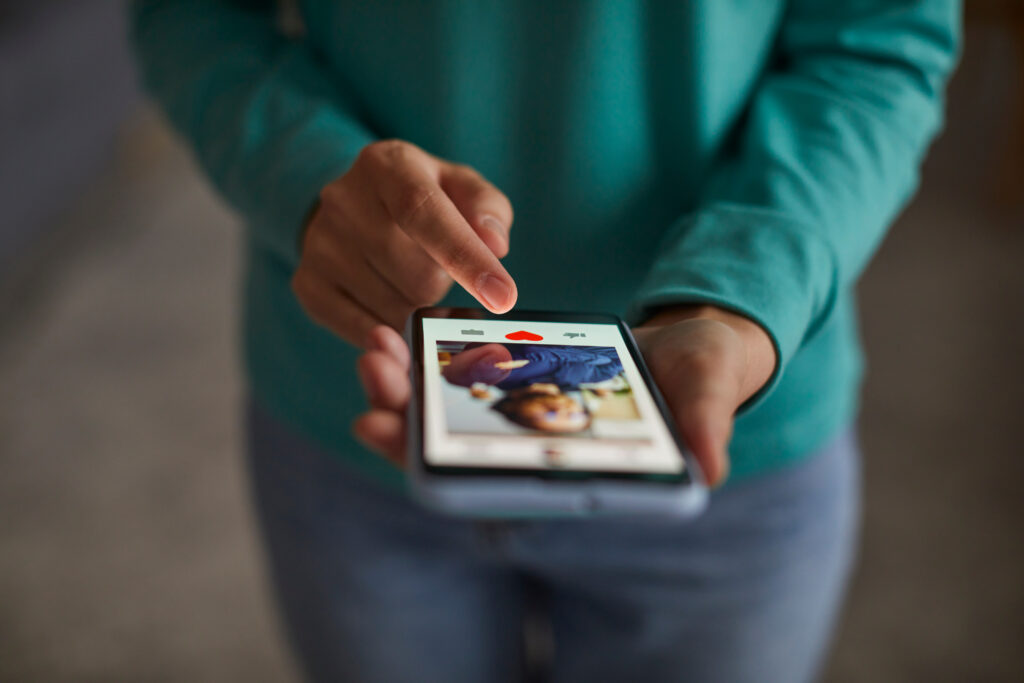
Romance Scams
Learn more
How to Protect Yourself
If something feels rushed or too good to be true, take a moment to pause, Take9, and check for warning signs. Verify profiles and photos, stay on trusted platforms, watch for urgency, and never send money to someone you’ve only met online or by phone.
Funeral Scams
Learn more
How to Protect Yourself
Take 9 before you pay. Work directly with trusted funeral homes, verify any requests for payment, and don’t feel rushed to make decisions. Avoid sharing personal or financial information with anyone who contacts you unexpectedly.
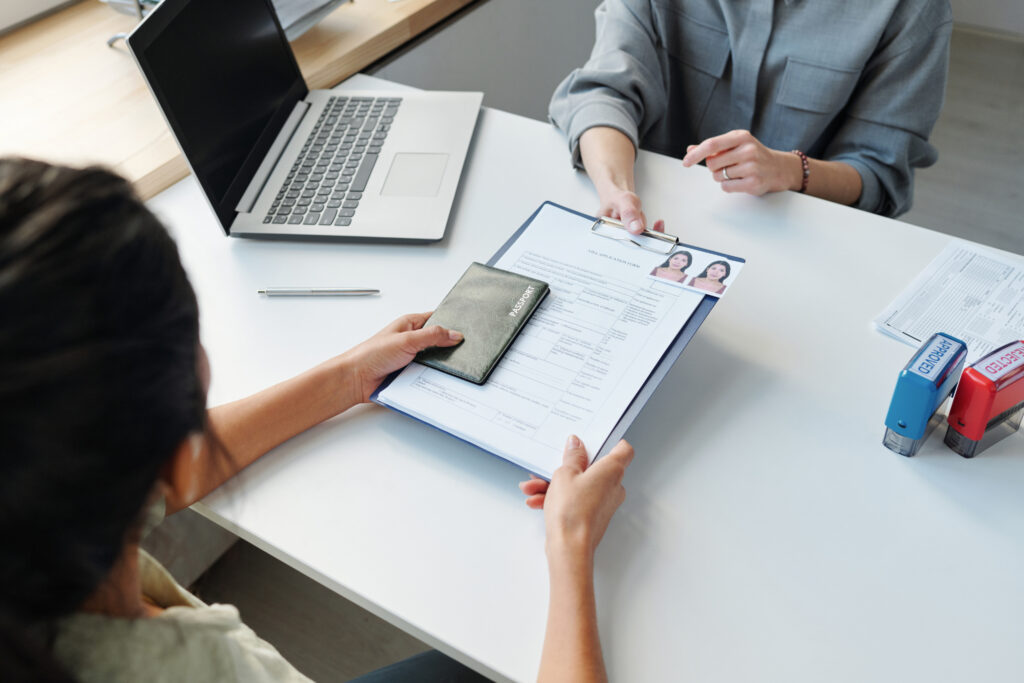
Notarios Scams
Learn more
How to Protect Yourself
Only work with licensed attorneys or accredited representatives. Be wary of anyone guaranteeing results or asking for large upfront fees, and always verify credentials through official sources.
Ever Heard of Quishing?
Learn more
How to Protect Yourself
Only scan QR codes from trusted sources and check the website URL before entering any sensitive details.
Facebook Marketplace Scams
Learn more
How to Protect Yourself
Pause and take 9 before you buy. Avoid upfront payments, don’t move conversations off the platform, and only use secure payment methods. If a deal feels too good to be true, it probably is.
Romance Scams
Learn more
How to Protect Yourself
If something feels rushed or too good to be true, take a moment to pause, Take9, and check for warning signs. Verify profiles and photos, stay on trusted platforms, watch for urgency, and never send money to someone you’ve only met online or by phone.
Funeral Scams
Learn more
How to Protect Yourself
Take 9 before you pay. Work directly with trusted funeral homes, verify any requests for payment, and don’t feel rushed to make decisions. Avoid sharing personal or financial information with anyone who contacts you unexpectedly.
Notarios Scams
Learn more
How to Protect Yourself
Only work with licensed attorneys or accredited representatives. Be wary of anyone guaranteeing results or asking for large upfront fees, and always verify credentials through official sources.
Ever Heard of Quishing?
Learn more
How to Protect Yourself
Only scan QR codes from trusted sources and check the website URL before entering any sensitive details.
Facebook Marketplace Scams
Learn more
How to Protect Yourself
Pause and take 9 before you buy. Avoid upfront payments, don’t move conversations off the platform, and only use secure payment methods. If a deal feels too good to be true, it probably is.
Romance Scams
Learn more
How to Protect Yourself
If something feels rushed or too good to be true, take a moment to pause, Take9, and check for warning signs. Verify profiles and photos, stay on trusted platforms, watch for urgency, and never send money to someone you’ve only met online or by phone.
Funeral Scams
Learn more
How to Protect Yourself
Take 9 before you pay. Work directly with trusted funeral homes, verify any requests for payment, and don’t feel rushed to make decisions. Avoid sharing personal or financial information with anyone who contacts you unexpectedly.
Notarios Scams
Learn more
How to Protect Yourself
Only work with licensed attorneys or accredited representatives. Be wary of anyone guaranteeing results or asking for large upfront fees, and always verify credentials through official sources.